
Navi Blog
eSIM vs Physical SIM for Travel: Which Is Better for Your Trip?
eSIM vs physical SIM for travel: compare setup, cost, coverage, security and phone compatibility, and find out which option suits your trip.
eSIM vs Physical SIM for Travel: Which Is Better for Your Trip?
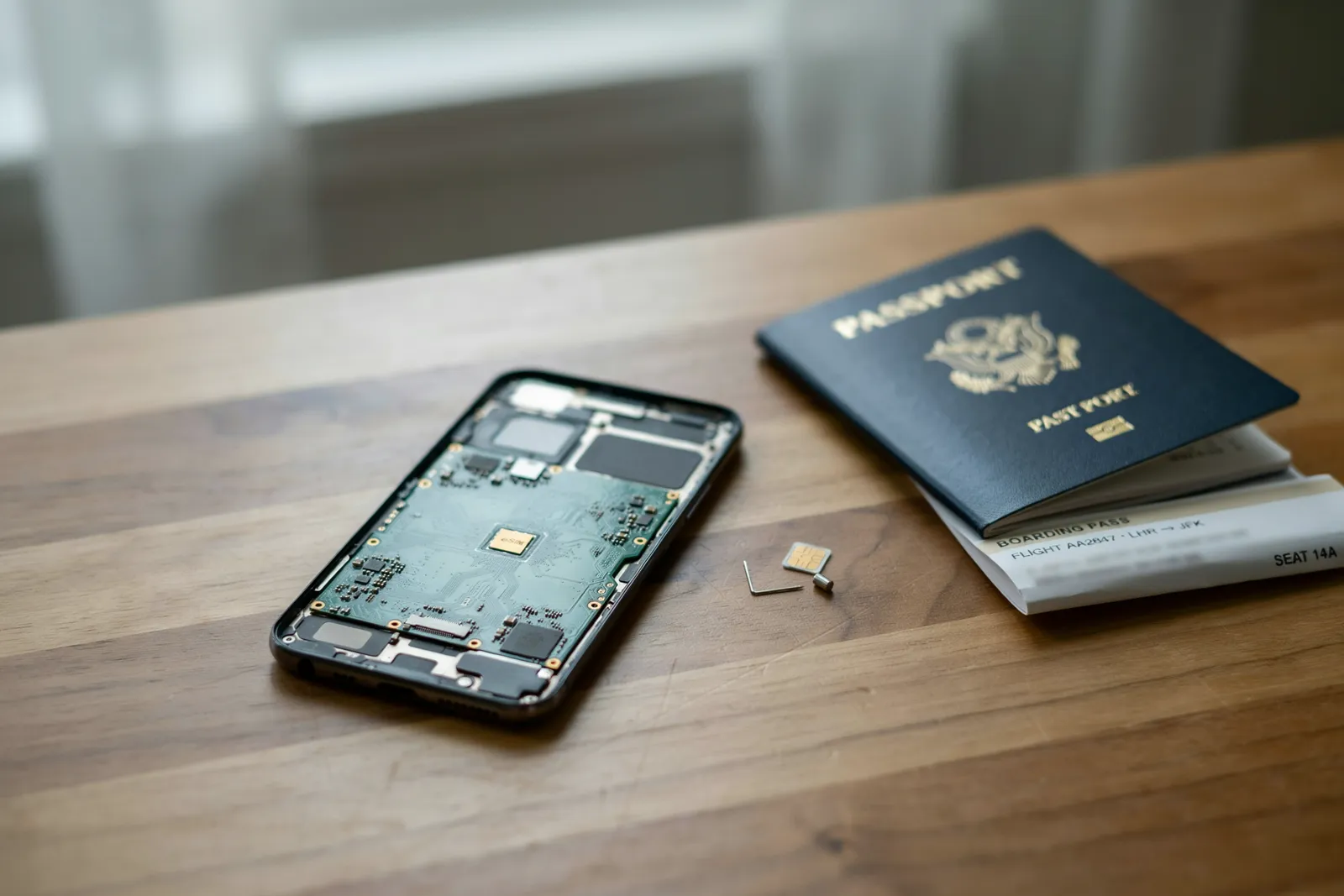
eSIM wins for most travelers. It's faster to set up, easier to switch between countries, and lets you keep your home number active. A physical SIM still makes sense if your phone doesn't support eSIM, you need a local phone number, or you're staying in one country for a long time. The choice comes down to your phone, your itinerary, and how much you value convenience over a local number.
In this article
- Key takeaways
- What is an eSIM and how does it work for travel?
- What is a physical SIM card and how does it work for travel?
- eSIM vs physical SIM for travel: setup and activation compared
- Cost comparison: which option is cheaper for travelers?
- Coverage and network quality: does eSIM or physical SIM win?
- Switching carriers and managing multiple numbers
- Device compatibility: does your phone support eSIM?
- Security, loss and theft
- Travel SIM card vs eSIM: which is better for specific trip types?
- Benefits of eSIM for travel, and when a physical SIM still makes sense
- How to choose: a practical decision guide
- Frequently Asked Questions
Key takeaways
- eSIMs activate in minutes through an app or QR code, with no store visit or plastic card required.
- Physical SIMs work in almost any unlocked phone, including older models without eSIM support.
- eSIMs let you store several plans and switch networks without swapping hardware — a big advantage on multi-country trips.
- Local physical SIMs can be cheaper for long single-country stays where local prepaid deals are strong.
- Navi compares travel eSIM plans from Airalo, Holafly, Saily and Nomad for Japan, the USA, Europe, Thailand, Turkey and Dubai.
What is an eSIM and how does it work for travel?
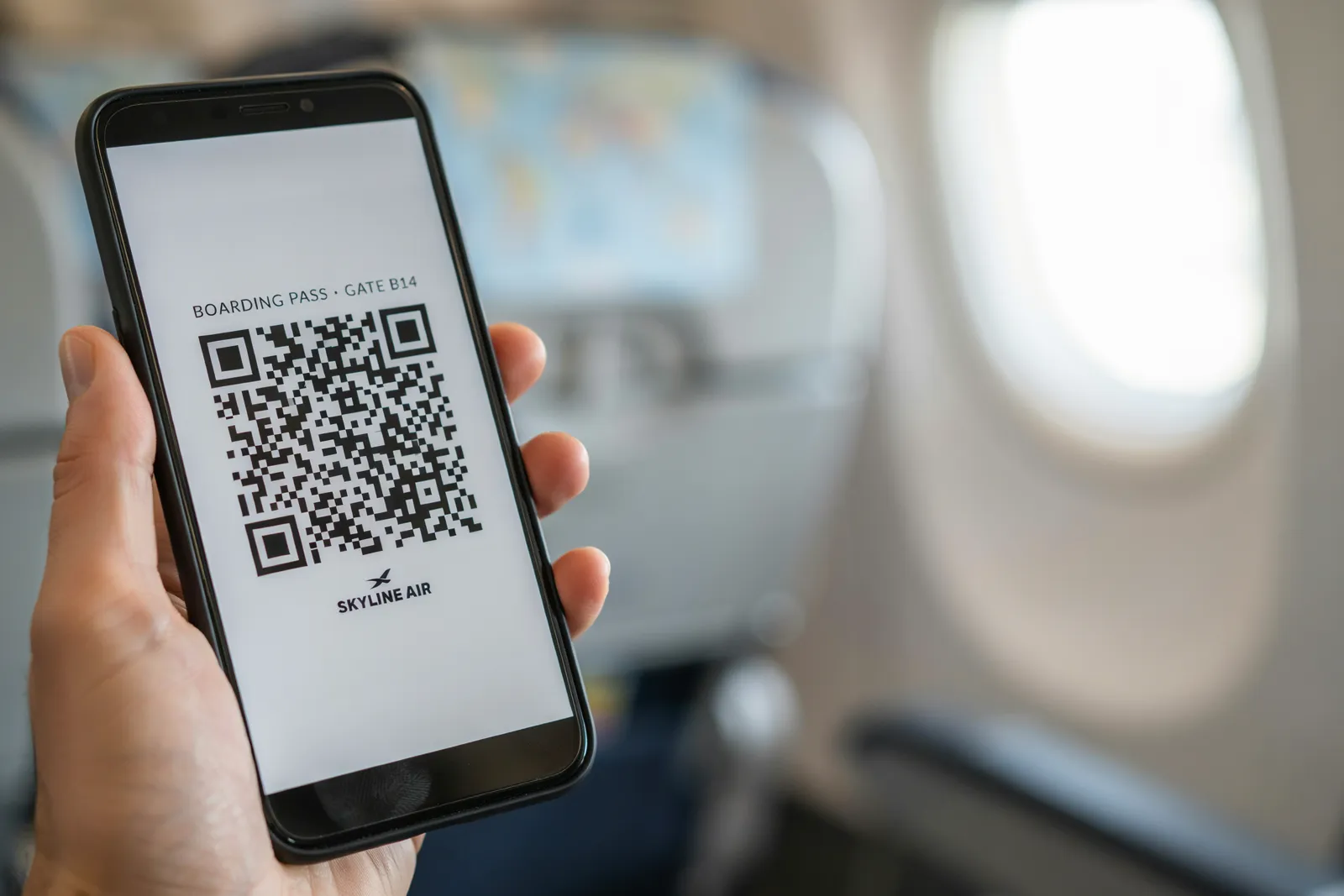
An eSIM is a chip built into your phone that stores a mobile plan digitally, so you can activate a data plan without inserting a removable card. When you buy a travel plan from a provider like Airalo or Holafly, you scan a QR code or use the provider's app, and the plan downloads onto that chip. Setup usually takes a few minutes, and on a dual-SIM phone you can keep your home SIM active at the same time.
That's the core difference: a physical SIM is a card you swap in and out, while an eSIM lives inside the device and can store several plans. Most iPhones since the XS and XR, Google Pixels since the Pixel 3, and many recent Samsung Galaxy models support eSIM, though support varies by model and region.
In practice, you can buy a plan for Japan while waiting at an airport in London, have it working when you land, and add a Europe plan a week later without touching a SIM tool. For a deeper explanation, read How Do eSIMs Work?.
What is a physical SIM card and how does it work for travel?
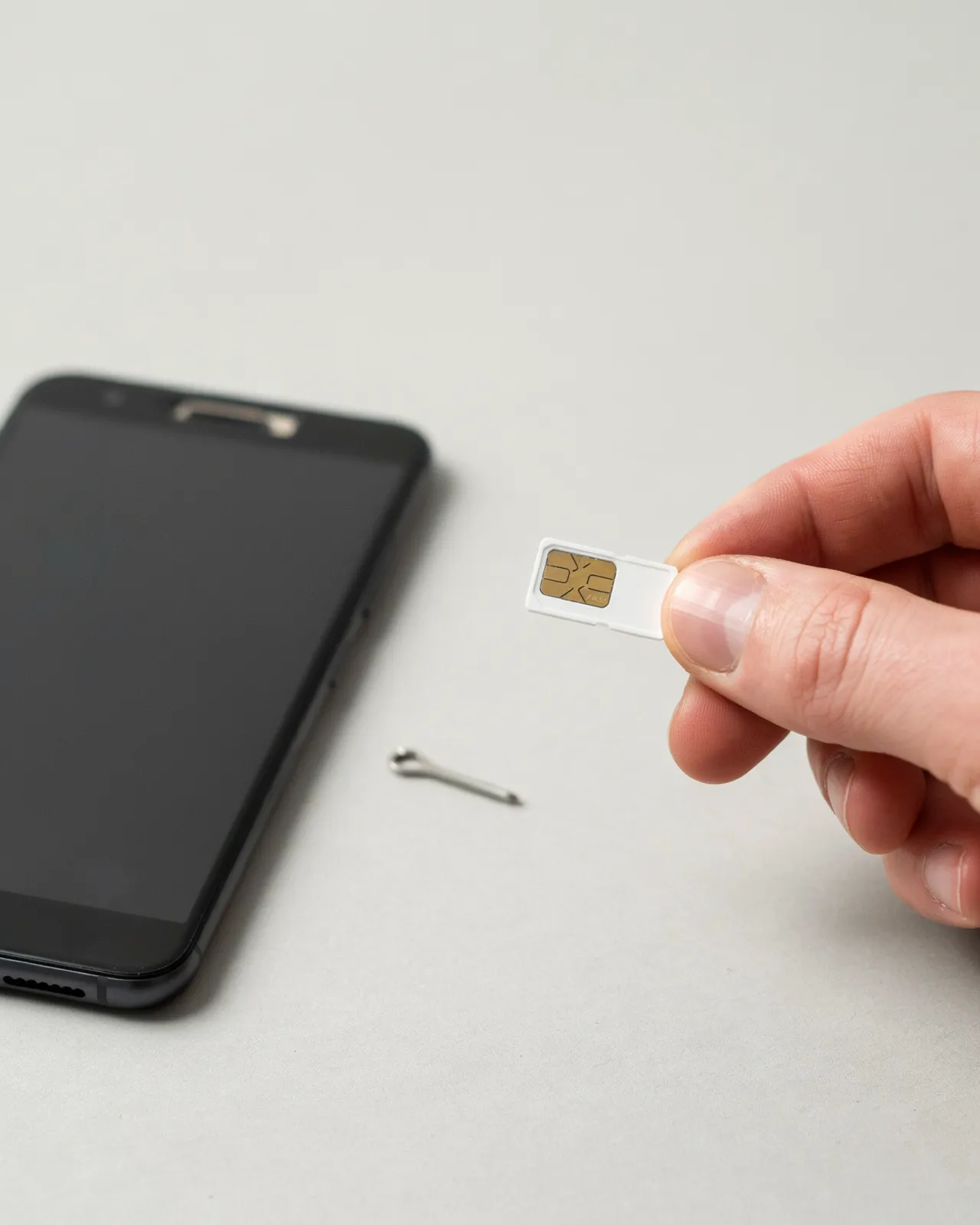
A physical SIM card is the small plastic chip you slide into a tray on your phone. For travel, you swap your home SIM for a local or international one, usually bought at an airport kiosk, a carrier store or a convenience shop at your destination, or ordered online before you go.
Swapping is simple but fiddly: open the tray with a pin, remove your home SIM, insert the new card and restart. Many prepaid travel SIMs activate automatically, though some need an SMS or an APN setting. Keep your home SIM somewhere safe — you'll need it when you get back.
Buying abroad has some friction. Airport kiosks often charge more than city stores, staff may not speak your language, and many countries — including Thailand and Turkey — require a passport to register a SIM.
eSIM vs physical SIM for travel: setup and activation compared
With an eSIM, you buy a plan before you fly, scan a QR code or use the provider's app, and install it in your phone's settings. You can add several plans before the trip starts.
A physical SIM means buying one at the airport or a store, or waiting for delivery, then swapping cards and sometimes entering an APN setting. If you land at midnight when shops are closed, that gap matters.
| Setup attribute | eSIM | Physical SIM |
|---|---|---|
| Where you buy | Online, before departure | Airport, store or delivery |
| Activation | QR code or app | Insert card, sometimes an APN setting |
| Time to get online | Usually a few minutes | Depends on queues and opening hours |
| Ready on landing | Yes, if installed in advance | Only if bought before the trip |
| Plans stored | Several | One per card slot |
One honest trade-off: a physical SIM can be easier if you're not comfortable with phone settings, because shop staff will often install it for you. An eSIM involves a menu or two, though provider apps guide you step by step. See our eSIM setup guide for iPhone and Android.
Cost comparison: which option is cheaper for travelers?
Neither option is always cheaper. Local tourist SIMs in some countries offer a lot of data for a low price, especially for longer stays. Travel eSIMs often cost more per gigabyte than the best local deals, but you avoid airport markups, queues and registration, and you're connected the moment you land.
Roaming with your home carrier is usually the most expensive option. Many carriers charge a daily fee abroad, which adds up quickly over a week or more. Both travel eSIMs and local SIMs usually beat that.
eSIM prices also vary a lot by destination and provider. Navi's destination pages show current plans from Airalo, Holafly, Saily and Nomad side by side, with price per GB and per day, so you can compare against a local SIM price you find. Our guide to the cheapest eSIM plans per GB ranks plans by unit price.
As a rule of thumb, an eSIM is often the better value on short trips and multi-country itineraries, while a local physical SIM can win on long stays in a single country.
Coverage and network quality: does eSIM or physical SIM win?
Neither format has a better signal by itself. An eSIM and a physical SIM connect to the same local towers. What actually decides coverage is which local network your plan uses.
Some travel eSIMs can connect to more than one local network in a country, which helps if one network is weak in a particular area. A local physical SIM usually uses its own carrier's network only. On the other hand, a SIM from a country's largest carrier can be the best choice for remote areas where that carrier has the widest reach.
Check which network a plan uses before you buy, not just the price. Navi's comparison tables list the network where the provider states it.
Switching carriers and managing multiple numbers
Switching with a physical SIM means swapping cards at every border or whenever you want a different plan — slow, and easy to lose a tiny card in a hotel room. An eSIM lets your phone store several plans, so you can add a travel data plan while keeping your home number.
Most phones let you label each plan and switch between them in settings. On a dual-SIM phone you can run your home number and a travel eSIM side by side: your home line for calls and texts, the eSIM for data.
Some phones can store several eSIMs but use only one or two at a time, so you may need to switch between them rather than use them all at once. Switching is still a few taps, with no SIM tool needed.
Device compatibility: does your phone support eSIM?
Most flagship phones from recent years support eSIM. Every iPhone since the XS and XR has it, Google Pixels have supported it since the Pixel 3, and most Samsung Galaxy flagships from the S20 onwards include it. Some budget and mid-range models, and some models sold in certain regions, don't.
To check, look for an "Add eSIM" option in your phone's mobile or SIM settings, or look up your phone's EID (iPhone: Settings > General > About). If neither is there, your phone probably doesn't support eSIM, and a physical SIM is your option.
Your phone must also be carrier-unlocked. A locked phone will reject an eSIM from another provider, just as it rejects a foreign physical SIM. If you bought your phone through your carrier, check with them before you travel.
Security, loss and theft
A physical SIM can be removed from a stolen phone and put into another device, which lets someone receive your calls and texts, including security codes. An eSIM can't be pulled out, so a thief can't simply move your number to another phone that way.
SIM swap fraud — where a scammer convinces a carrier to move your number to a SIM they control — can affect both formats, because it happens at the carrier, not in your phone. Protect your accounts with a carrier PIN and, where possible, app-based two-factor authentication rather than SMS codes.
If your phone is lost or stolen, contact your home carrier and travel eSIM provider. With an eSIM, you can usually buy a new travel data plan on a replacement phone online, without visiting a store. The trade-off is that an eSIM depends on your phone: if the phone breaks, you're offline until you have another device.
Travel SIM card vs eSIM: which is better for specific trip types?
Short trips. For a long weekend or a stopover, an eSIM is usually the easiest choice. Buy it before you fly, land with data working, and delete it when you leave.
Long stays. If you're spending months in one country, a local physical SIM — or a local carrier's eSIM — often gives better value and a local number. Travel eSIMs are mostly prepaid data bundles that expire, so repeated top-ups can add up.
Multi-country trips. This is where eSIM really shines. A regional eSIM plan can cover many European countries on one plan, so you don't need a new SIM at each border. See the best eSIMs for Europe.
Budget travelers. Compare real prices rather than assuming. Check Navi's plans for your destination, then compare them with the local SIM prices for your route.
Benefits of eSIM for travel, and when a physical SIM still makes sense
The benefits of an eSIM for travel are easy to see:
- Connected on landing: install your plan before you leave and it's ready when you arrive.
- Keep your home number: on a dual-SIM phone, your bank and contacts can still reach you by text.
- Several plans on one phone: useful for trips through several countries.
- Nothing to lose: there's no small card to drop or misplace.
A physical SIM still makes sense when:
- your phone doesn't support eSIM;
- you need a local phone number for calls, deliveries, ride-hailing or bookings;
- you're staying a long time in one country and local deals are cheaper.
How to choose: a practical decision guide
- Check your phone. Look for an "Add eSIM" option and make sure the phone is unlocked. If it doesn't support eSIM, choose a physical SIM.
- Consider your trip. Short and multi-country trips lean towards eSIM; long single-country stays may lean towards a local SIM.
- Estimate your data. Our guide to how much data you need when traveling helps you pick the right size.
- Check hotspot needs. If you'll share data with a laptop, make sure the plan allows it — see travel eSIMs with hotspot support.
- Compare plans. Use Find My eSIM Plan or our Airalo vs Holafly comparison to narrow down providers.
If you need both a local number and easy data, some travelers combine a local SIM for calls with a travel eSIM for data. Buy your eSIM a day or two before you leave and install it at home on Wi-Fi, so it's ready when you land.
Frequently Asked Questions
Is eSIM better than physical SIM for international travel?
For most travelers, yes. An eSIM lets you buy a data plan before you land, skip airport SIM queues, and keep your home number active. A physical SIM is still better if your phone doesn't support eSIM or you need a local number.
Can I use eSIM and physical SIM at the same time?
Yes, on dual-SIM phones. You can keep your home SIM for calls and texts while a travel eSIM handles data abroad.
Do all phones support eSIM?
No. iPhones from the XS onwards and many recent Android flagships support eSIM, but some budget, older and region-specific models don't. Check your settings for an "Add eSIM" option before buying.
Is eSIM more expensive than a physical SIM card?
It depends. Travel eSIMs are usually much cheaper than roaming and are often good value for short trips. A local physical SIM can be cheaper for long stays in one country.
What happens if I lose my phone with an eSIM?
An eSIM can't be removed and used in another phone the way a physical SIM can. Contact your home carrier and eSIM provider, and you can usually buy a new travel plan online for a replacement phone.