
Navi Blog
How Do eSIMs Work? A Beginner's Guide to Travel eSIM Technology
How do eSIMs work? Learn how a digital SIM downloads a carrier profile, how to set one up in minutes, which phones support it, and how to pick the right travel data plan.
How Do eSIMs Work? A Beginner's Guide to Travel eSIM Technology
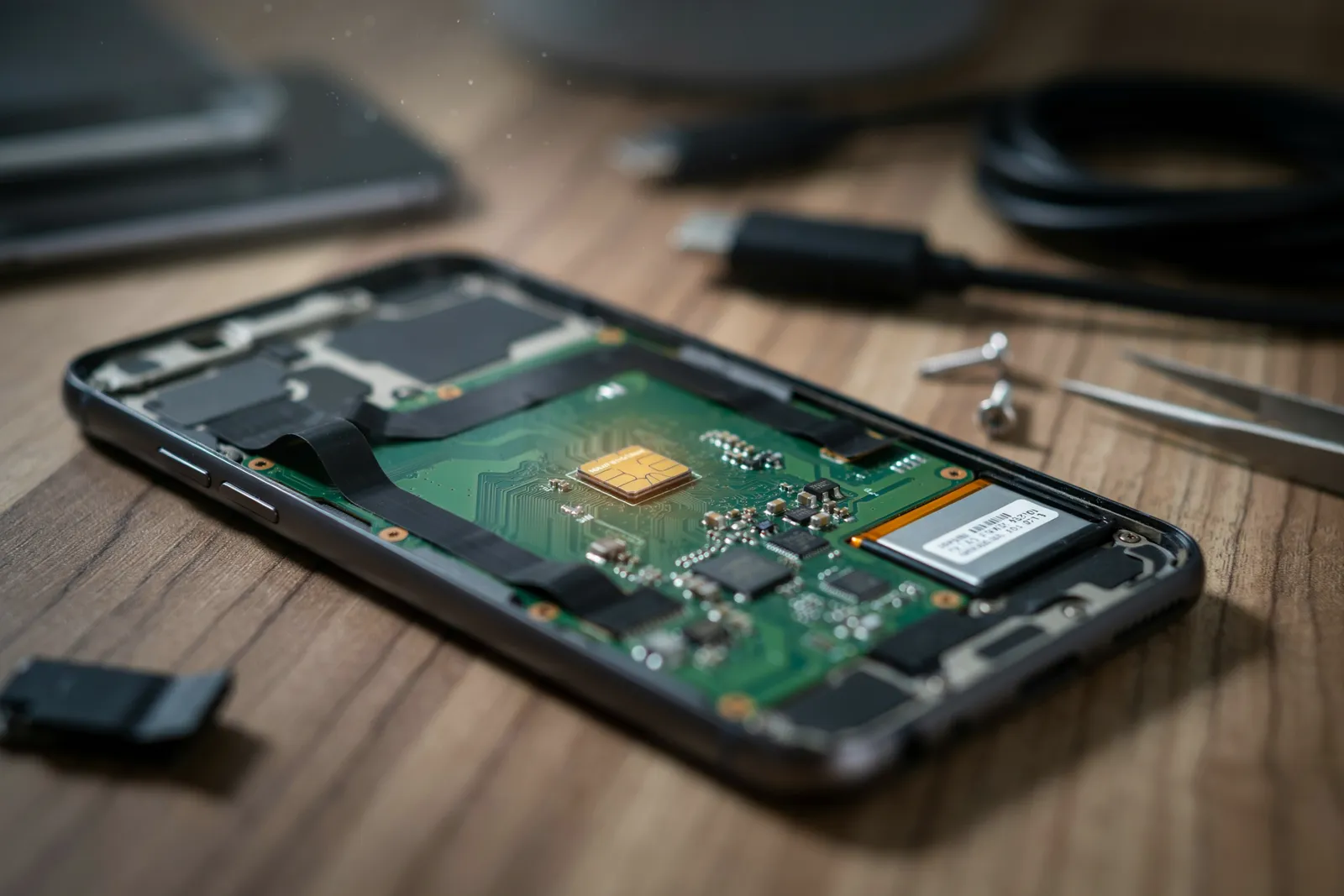
How do eSIMs work? An eSIM is a small, programmable chip built directly into your phone that stores your mobile plan digitally, so you can connect to a carrier network without inserting a physical SIM card. You download a carrier profile over Wi-Fi, activate it, and your phone connects to that network. That's the whole mechanism in one sentence.
In this article
- What Is an eSIM and How Do eSIMs Work?
- eSIM Explained: The Technology Behind Digital SIMs
- eSIM vs Physical SIM: What Actually Changes?
- How Do eSIMs Work When You Travel?
- Which Phones Support eSIM? A Quick Compatibility Check
- How to Set Up an eSIM in Under Five Minutes
- Travel eSIM Guide: Choosing the Right Data Plan
- Do eSIMs Work With Hotspot and Tethering?
- Common eSIM Problems and How to Fix Them
- Are eSIMs Safe? Security and Privacy Considerations
- How Do eSIMs Work for Dual-SIM Users?
- Frequently Asked Questions
Key takeaways
- An eSIM is a digital SIM soldered inside your phone, not a removable plastic card.
- You activate an eSIM by scanning a QR code or tapping a link from your provider.
- eSIMs let you store multiple plans and switch between them in your phone settings.
- For travel, eSIMs remove the need to buy a local SIM card at your destination.
- Most recent iPhones, Pixels, and Samsung Galaxy phones support eSIM.
What Is an eSIM and How Do eSIMs Work?
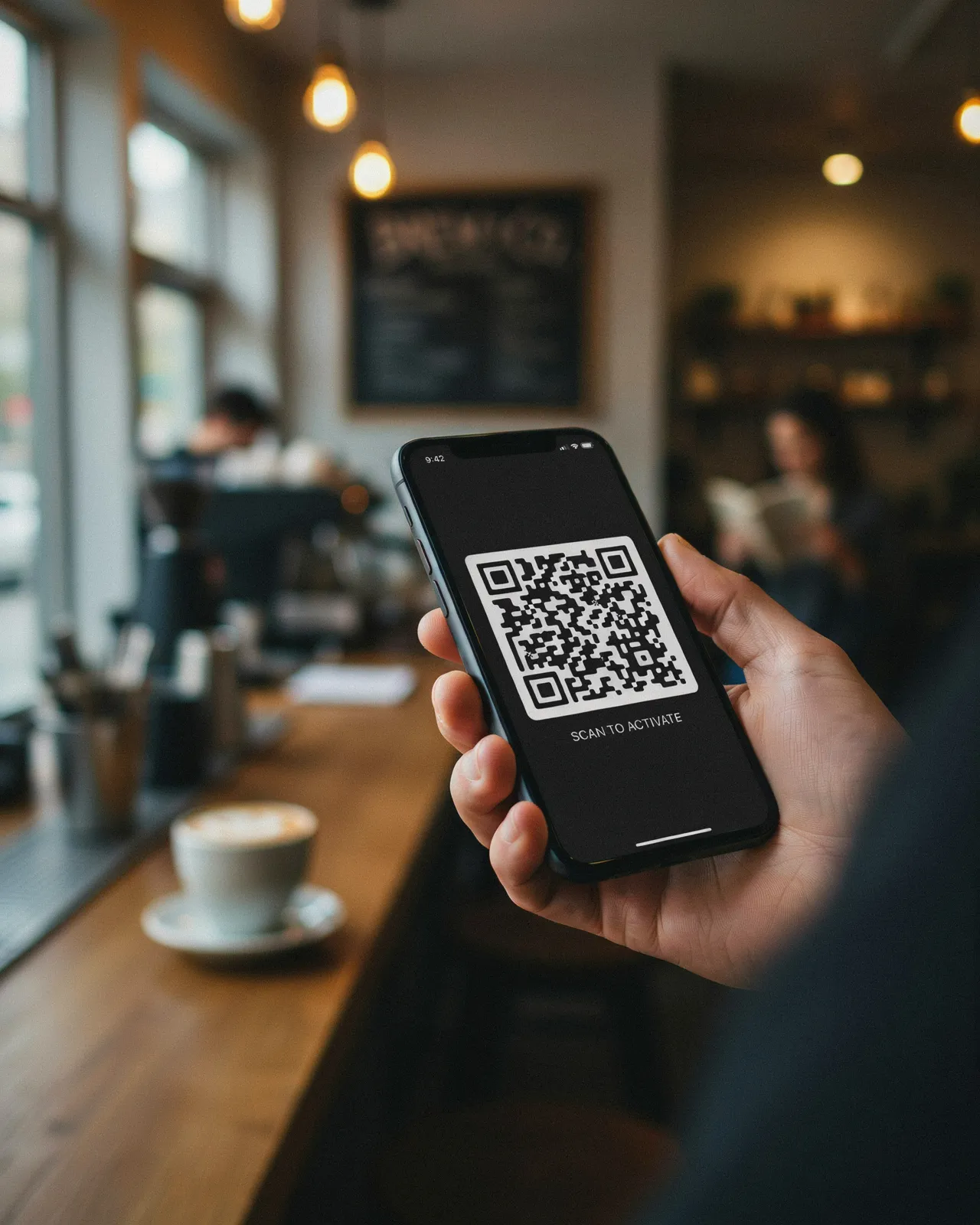
An eSIM is an embedded SIM: a tiny chip permanently attached to your phone's motherboard. Unlike a physical SIM card that you slide into a tray, an eSIM never leaves the device. It stores the same kind of carrier credentials a physical SIM does, but those credentials are written to the chip remotely, a process called remote SIM provisioning.
When you buy an eSIM plan, the provider sends you a QR code or an activation link. Scanning that code downloads a small carrier profile onto the eSIM chip. Your phone then uses that profile to authenticate with the carrier's network, exactly as it would with a plastic SIM. The difference is purely physical: the profile lives on a chip you can't touch, and you can store several profiles on that one chip.
For travelers, this changes the logistics of staying connected. Instead of hunting for a SIM kiosk at the airport, you can buy a travel data plan before you leave home, install it, and be online minutes after landing. Navi's comparison tables list plans from Airalo, Holafly, Saily, and Nomad side by side, so you can see data allowances and prices for your destination without opening ten tabs.
One thing worth clearing up early: an eSIM is not a different kind of network. It connects to the same 4G and 5G towers a physical SIM uses. What changes is how the SIM gets into your phone, and how easily you can switch between carriers.
eSIM Explained: The Technology Behind Digital SIMs
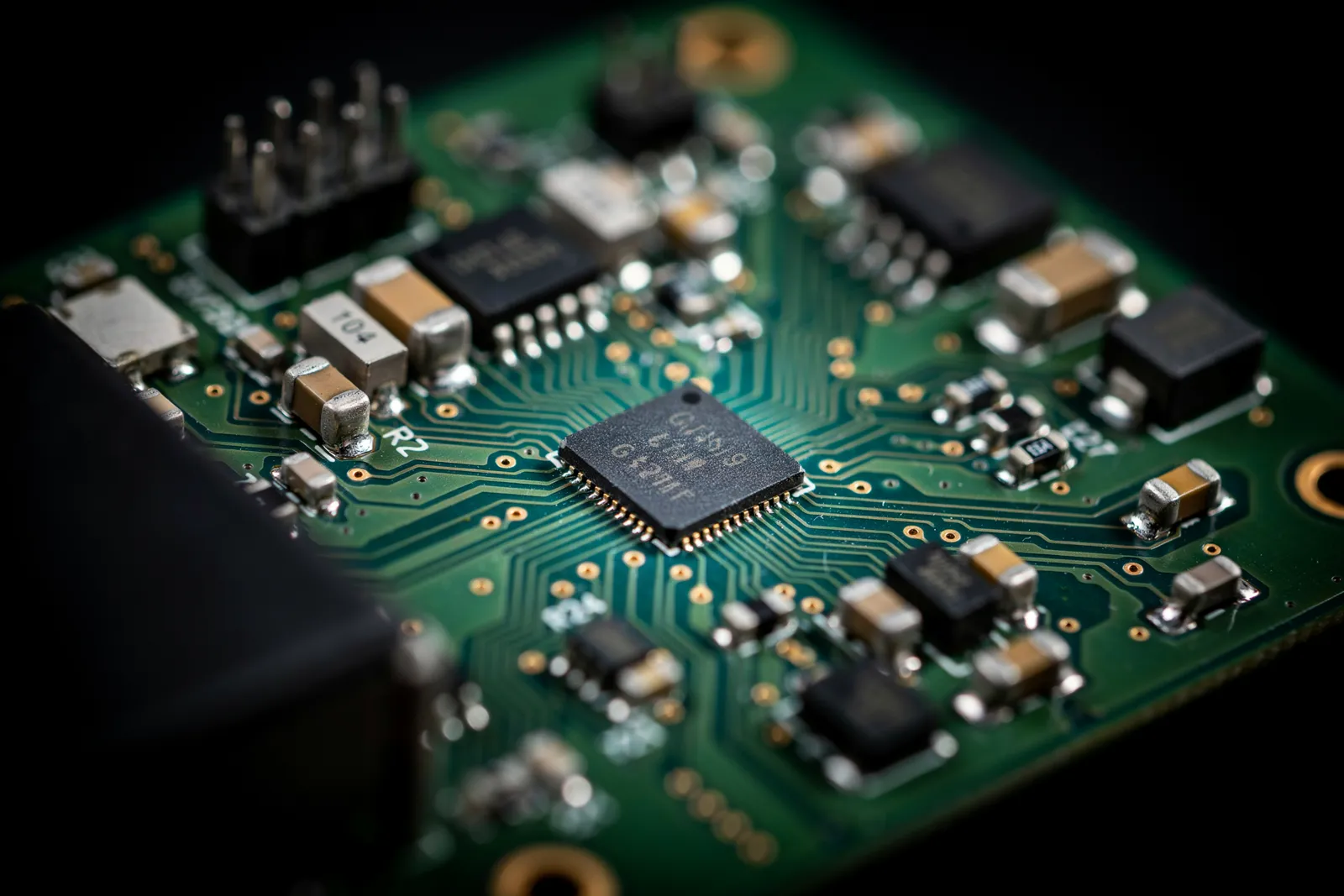
The eSIM chip is a reprogrammable secure element, which means it can store multiple carrier profiles at once and swap between them without any physical handling.
The formal name for this embedded chip is eUICC, short for embedded Universal Integrated Circuit Card. The GSMA, the industry body that sets mobile standards, defines how eUICC works across networks. That standardisation means an eSIM from a Japanese carrier can be provisioned on a phone bought in Germany using the same underlying process.
Remote SIM provisioning is the mechanism that makes eSIMs practical. Instead of inserting a card, your phone downloads a carrier profile over the internet. That profile contains the same credentials a physical SIM would hold: your subscriber identity, network authentication keys, and the settings needed to connect.
Once a profile is downloaded, it lives in the eUICC's secure storage. You can store several profiles, though most phones let only one or two be active at a time. Switching profiles takes a few taps in settings. For more background, see our beginner's guide to what an eSIM is and how it works.
eSIM vs Physical SIM: What Actually Changes?
The eSIM vs physical SIM difference comes down to how the carrier profile gets onto your device. With a physical SIM, you swap cards at every border. With an eSIM, you scan a QR code or tap a link and the profile installs in seconds.
| Feature | eSIM | Physical SIM |
|---|---|---|
| Size | Tiny chip embedded in the phone | Plastic card, 12.3 mm x 8.8 mm (nano) |
| Swapping carriers | Download a new profile in minutes | Physically remove and replace the card |
| Security | Cannot be removed if the phone is stolen | Can be pulled out and used in another device |
| Dual-SIM capability | Most phones support eSIM + physical SIM together | Dual physical SIM slots are uncommon on many models |
| Travel convenience | Buy and install a plan before you land | Find a local shop or order a card in advance |
Security is a real difference. If someone steals your phone, a physical SIM can be popped out and used to receive SMS codes for account resets. An eSIM stays locked inside the device, which makes that particular attack harder.
Dual-SIM behavior matters too. Most modern iPhones and Android flagships let you run one eSIM and one physical SIM at the same time, so you keep your home number for calls and texts while a travel eSIM handles data.
How Do eSIMs Work When You Travel?
With a travel eSIM, you buy the plan before you leave home, install it, and your phone connects to a local network when you arrive.
Step by step: compare plans for your destination on Navi — we cover Japan, the USA, Europe, Thailand, Turkey, and Dubai. Pick a data allowance that fits your trip, pay on the provider's site, and receive a QR code by email or in the provider's app. Scan it in your phone's settings; the profile can wait until you land. On arrival, turn on the travel line and the phone connects to a local carrier.
Your home and travel lines can both stay installed. Label one "Primary" and the other "Travel," then choose which handles data, so your home number stays reachable while data runs through the travel eSIM.
One practical tip: install the eSIM a day or two before departure over stable Wi-Fi. Also check that your phone is unlocked — a carrier-locked phone will refuse a third-party eSIM.
Which Phones Support eSIM? A Quick Compatibility Check
Every iPhone from the XS, XS Max, and XR onward works with eSIM, and US models of the iPhone 14 and later dropped the physical SIM tray. Google Pixel phones support eSIM from the Pixel 3 onward, and Samsung Galaxy S20 and newer models include it on most international versions.
The quickest check is to dial *#06#. If an EID number appears, your phone has eSIM hardware. You can also look in Settings: on iPhone, Settings > Cellular > Add eSIM; on Android, look for an "Add eSIM" option in the SIM manager.
Regional variations matter. Models sold in mainland China, Hong Kong, and Macau often lack eSIM even when the same model sold elsewhere supports it. Check your exact model number against the manufacturer's spec sheet rather than relying on the brand name.
How to Set Up an eSIM in Under Five Minutes
- Buy your eSIM plan before you leave. Find a plan on Navi or buy directly from a provider. You'll receive a QR code by email or in the provider's app.
- Open your phone's cellular settings. On iPhone go to Settings > Cellular > Add eSIM. On Android go to Settings > Network & Internet > SIMs > Add SIM (menu names vary by manufacturer).
- Scan the QR code. If scanning fails, choose "Enter details manually" and type the SM-DP+ address and activation code from the same email.
- Label the plan. Use a clear name like "Japan Travel" so you can tell it apart from your home line.
- Choose your default data line. Set the travel eSIM for data while keeping your home number for calls and texts.
- Enable data roaming on the travel eSIM. Many travel eSIMs require roaming on for that line. Keep roaming off on your home line to avoid surprise charges.
- Test your connection. Turn off Wi-Fi and load a page. If nothing loads, wait a few minutes, then toggle airplane mode on and off.
For device-specific steps, see our eSIM setup guide for iPhone and Android.
Travel eSIM Guide: Choosing the Right Data Plan
Choosing a plan comes down to five things: data allowance, validity period, coverage, throttling policy, and price.
Data allowance. 3 to 5 GB covers a typical week of maps, messaging, photo uploads, and light browsing. Streaming or remote work calls for 10 GB or more.
Validity period. A 5 GB plan that expires in 7 days won't cover a 14-day trip. Also check whether the clock starts at purchase or at first connection.
Coverage. A "Europe" plan may cover dozens of countries but exclude some you'd expect. Confirm every destination is listed before you pay.
Price. Don't buy on the sticker price alone. A 1 GB plan at $3.99 costs $3.99 per GB, while a 10 GB plan at $17.99 costs about $1.80 per GB. Navi's comparison tables can sort by price per GB, and our cheapest eSIM by price per GB guide ranks every capped plan we track.
Throttling. Most "unlimited" plans give a daily full-speed allowance — typically 2 to 5 GB — then slow you to around 1 Mbps for the rest of the day. See Unlimited Data eSIMs: Real Fair-Use Limits Compared for each provider's stated cap.
A practical tip: buy a smaller plan and top up if needed. Many providers let you add data in a few taps.
Do eSIMs Work With Hotspot and Tethering?
Often, but policies differ by provider. Some allow unrestricted hotspot use, some cap it daily, and some don't publish a policy. In the plans we track, Nomad states unrestricted hotspot use, while Holafly caps tethering at 1 GB per day on its unlimited plans.
If hotspot is essential, choose a plan that explicitly documents tethering. Navi's comparison tables include a hotspot column and an unrestricted-hotspot filter, and our Travel eSIMs With Hotspot & Tethering Support guide lists the plans that allow it.
Common eSIM Problems and How to Fix Them
Most hiccups come down to three things: the profile didn't install cleanly, the phone is using the wrong line for data, or data roaming is off.
Why won't my eSIM activate?
The QR code may already have been used, the phone may have lost Wi-Fi mid-install, or the plan hasn't been provisioned yet. Restart the phone and retry on a stable connection. Many QR codes can only be installed once, so if it still fails, ask the provider to reissue it rather than deleting the profile yourself.
No data after landing
Check that data roaming is ON for the eSIM line, and that the eSIM is selected as the data line: on iPhone, Settings > Cellular > Cellular Data; on Android, Settings > Network & Internet > SIMs.
Profile not showing up
If the eSIM installed but doesn't appear in your SIM list, restart the phone. If it's still missing, contact the provider before reinstalling, since a used QR code usually can't be scanned again.
APN settings are wrong
Most travel eSIMs configure the APN automatically. If yours didn't, the provider's setup email lists the APN to enter. On iPhone, find it under Settings > Cellular > Cellular Data Network; on Android, under Access Point Names. Save it, then toggle airplane mode.
What if support is needed?
Take a screenshot of the error and your eSIM settings, then contact the provider you bought from — most offer in-app chat or email support.
Are eSIMs Safe? Security and Privacy Considerations
Generally, yes. The embedded chip can't be removed and used in another device the way a physical SIM can.
The GSMA's eSIM specifications require encrypted profile delivery and authentication, so a profile can't simply be intercepted and installed elsewhere. Still, buy from reputable providers and never install profiles from QR codes or links in unsolicited messages.
Your home SIM and travel eSIM stay separate on the device, each with its own network identity. When a trip ends, you can delete the travel profile. For privacy, keep your OS updated and use a VPN on untrusted Wi-Fi.
How Do eSIMs Work for Dual-SIM Users?
Most modern phones run two lines at once: your physical SIM keeps your home number for calls and texts, while the eSIM handles data.
On iPhone, both lines appear under Settings > Cellular; on Samsung and Pixel phones, look under Connections or Network settings. Point "Cellular Data" or "Mobile Data" at the eSIM.
iMessage and WhatsApp keep working on your home number because they use data. A regular call to your home number still rings on the physical SIM, and your home carrier may charge roaming rates if you answer abroad — check your carrier's rates or use Wi-Fi calling where supported.
One setting to watch on iPhone: "Allow Cellular Data Switching." If it's on, the phone can pull data from your home SIM when the eSIM signal drops, which is how surprise roaming charges happen. Turn it off before you travel.
Frequently Asked Questions
How do eSIMs work when I land in a new country?
You install a digital profile from the eSIM provider before you travel. When you land, the phone connects to a local carrier network using that profile, so you get data without swapping a physical SIM card.
Do I need to remove my physical SIM to use an eSIM?
No. Most modern phones support dual-SIM mode, so your physical SIM stays active for calls and texts while the eSIM handles data.
Which phones support eSIM?
iPhone XS and newer, Google Pixel 3 and newer, and most Samsung Galaxy S20 and newer devices. Look for an "Add eSIM" option in your phone's settings to confirm.
How much does a travel eSIM cost?
It varies by destination and data amount. In the plans we track, 1 GB starts at roughly $3 to $5, and 7-day unlimited plans run about $23 to $29. Each destination page shows current prices and the date we last verified them.
Can I use an eSIM for hotspot and tethering?
Often, but policies vary by provider. Our hotspot and tethering guide lists plans that explicitly allow it.
Is an eSIM better than a physical SIM for travel?
For most travelers, yes: you skip airport SIM queues, avoid home-carrier roaming fees, and can install plans in advance. Physical SIMs still make sense if your phone lacks eSIM support or you need a local phone number.